
Document control software
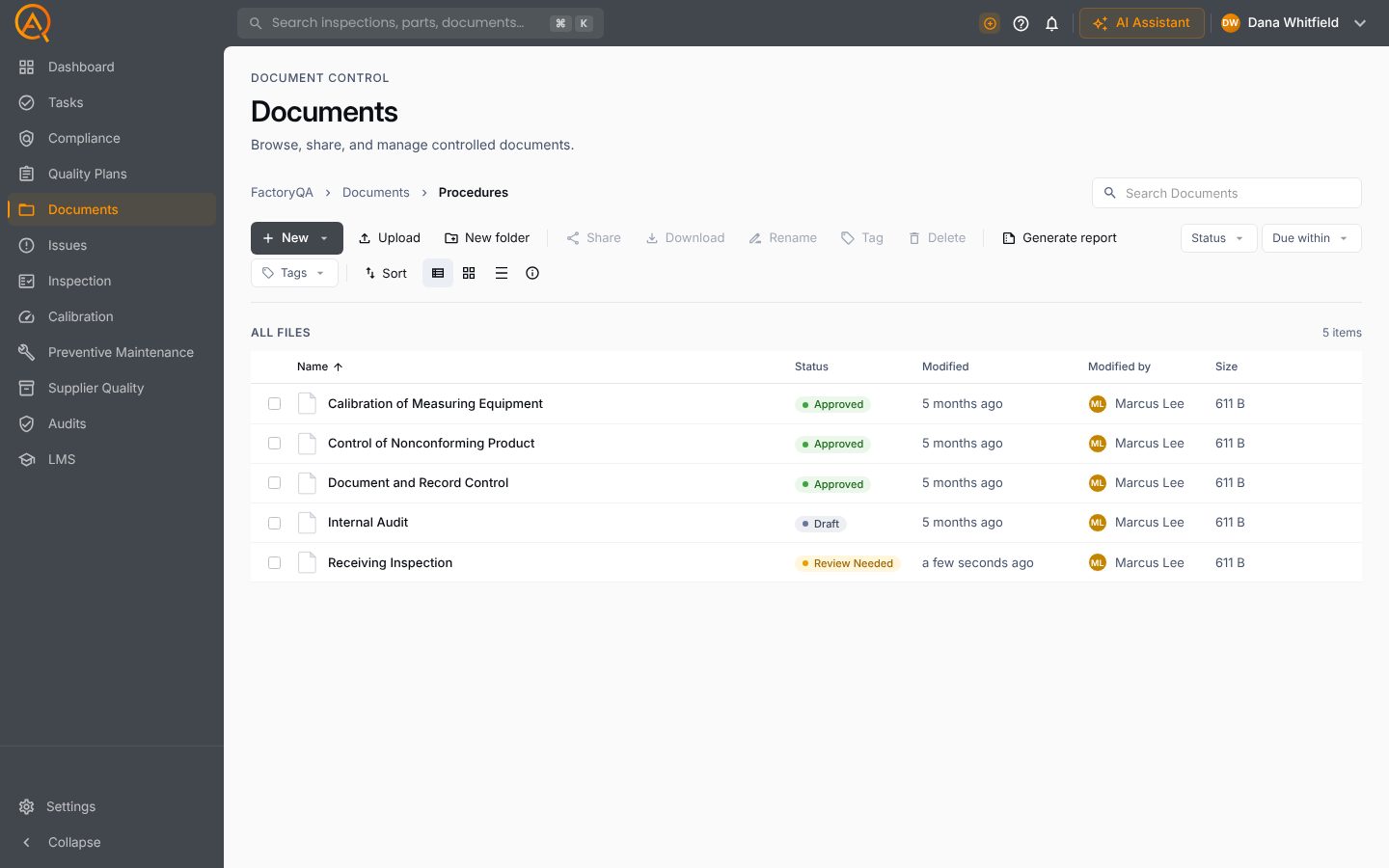
Documents is FactoryQA's document control module: a controlled library of procedures, work instructions and forms, with revision approval, e-signatures, acknowledgements and periodic review.
Included on Free, Basic and ProThe right version, approved and read.
Signed approval on every revision
Send a new revision for approval and the right approvers sign it, with a click or an electronic signature. Once approved it goes active and the old revision goes obsolete on its own.
- Approval by click or e-signature
- Old revision obsoleted automatically
- Full revision history kept
Every document follows the same lifecycle.
Drafts are reviewed and approved, the active revision is read and acknowledged, and periodic review starts the next revision before anything goes stale.
Proof people read it
Require acknowledgement from groups or individual people and see who has confirmed they have read and understood the current revision.
- Assign to groups or people
- Per-person status
- Tied to the current revision
Edit procedures in plain words
Describe the change you want and the AI Editor drafts a redlined revision of the Word document. Bulk update changes many documents at once, each approved as normal.
- Redlined drafts from an instruction
- Bulk update across documents
- Review highlights for approvers
Feedback from the floor reaches the owner
Anyone, even a viewer, can request a change to a document. The owner approves or rejects it, and an approved request starts the next revision.
- Requests from anyone
- Approved or rejected by the owner
- Starts the next revision
- Requested by
- Luis Ortega
- Owner
- Marcus Lee
- Decision
- Approved
Your controlled library.
Folders, statuses, owners and approvals for every procedure, work instruction and form.
Everything else you'd expect.
The full feature list, grouped by the job it does.
Your library
- Folder tree with folder permissions
- Upload many files at once, or drag and drop
- Built-in editor for short work instructions
- Edit Word, Excel and PowerPoint in the browser
- Search, filters and standard tags
- Move or copy documents and whole folders
- Temporary share links and ZIP downloads
- Document register export to Excel
Revisions and approval
- New revisions while the approved one stays in use
- A change record on every revision
- Approver lists with sign-off
- Reject with a reason, or release with a recorded justification
- Draft, Approval Pending, Approved, Review Needed, Rejected and Obsolete
- Mark a revision obsolete, or restore it to roll back
- Revision history with comments
- AI Editor and bulk update across documents
Keep it current
- Acknowledgements by group or person, with due dates
- Read-and-understood sign-off from a task, email or the library
- Periodic review intervals per document
- Escalation of overdue reviews
- Change requests from anyone
- Tasks and emails for every step
- Trash with restore
- Your own layout for generated PDFs
AI in Documents.
Each tool drafts inside Documents, on your records. A person approves every change.
A redlined draft of the Word document.
One draft revision per document.
A summary for approvers of what changed and why.
See Documents on your own parts and records.
Free plan · Basic $40 · Pro $60 per standard user per month · 14 days of Pro to start